Showing posts with label galaxy s4. Show all posts
Did Samsung confirm a new Galaxy device: the Galaxy S4 Mega?

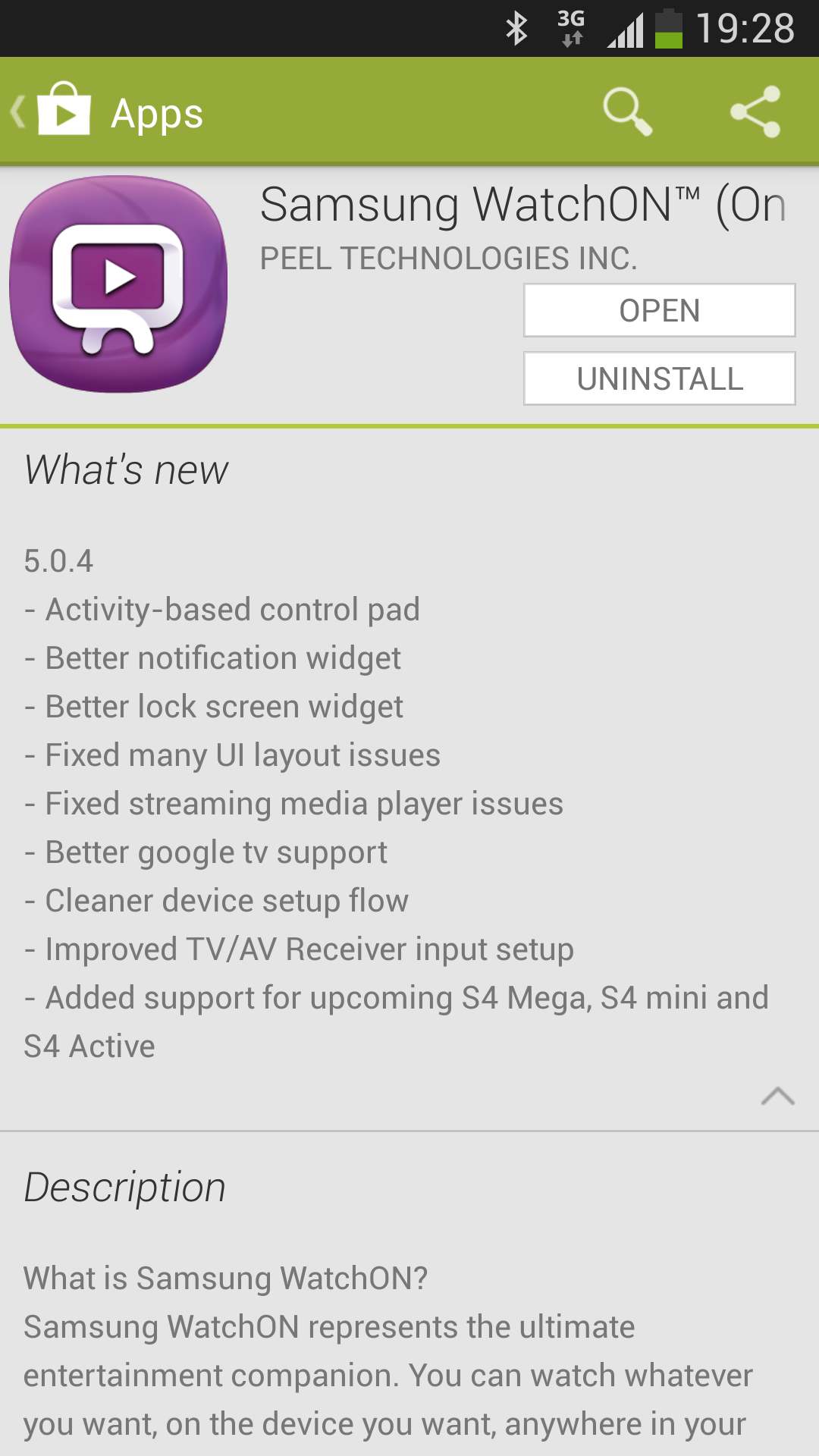
Samsung recently updated their own WhatchON application. Together with bug fixes.But did Samsung confirm a upcoming Galaxy device? Samsung confirmed the Galaxy S4 mini, Galaxy Active and also a new device the Galaxy S4 Mega. We are not sure if this is typo by Samsung, but for us the device is new. We do know Samsung will bring their own Galaxy Mega line out soon, but we didn’t hear anything about the Galaxy S4 Mega. We will keep a close eye on that.
Samsung GALAXY S4 Google Edition Release

So you've done it yet! What probably really no one has really expected, Google and Samsung have made true, the Samsung GALAXY S 4 Google Edition. Yesterday the rumor had surfaced for the first time and no one has really taken this rumor at face value. But at yesterday's Google keynote at the Google I / O was the Samsung GALAXY S 4 Google Edition release!
The Samsung GALAXY S 4 Google Edition is a Samsung GALAXY S 4, which comes with pure Android. Neither the equipment nor the design of the Samsung GALAXY S 4 Google Edition have changed from the "normal" model. Even the microSD slot survived! The Samsung GALAXY S 4 Google Edition is even officially sold through the Google Play. But once nu in the United States for the price of 649 dollars.
The Samsung GALAXY S 4 Google probably sit Edition THE surprise of the Google I / O. Even so did not expect industry insiders. The only downside would be the price of $ 649, this corresponds exactly to the price of the "normal" Samsung GALAXY S 4. However, this model will be virtually as a Nexus Device, New Android updates will also get the Samsung GALAXY S 4 Google Edition immediately.
Now it will take for the Samsung GALAXY S 4 Google Edition Release not be long before custom ROM's will appear on the basis of this model. And then users of the flagship could be benefiting from pure Android. The Samsung GALAXY S 4 Google Edition will be available in June in Google Play.
'MULTI-WINDOW' ON SAMSUNG GALAXY S4
Samsung's full-screen multi-tasking feature returns on the Galaxy S4. Here's where to find it and how to use.
A favorite feature of the Galaxy Note 2, Samsung's 'Multi-window' multitasking capability is included out of the box on the Galaxy S4. It's probably one of the coolest software tricks Samsung has come up with to date, but it's easily overlooked if you don't know it's there.
To use Multi-window, you'll first need to enable it in the quick settings area. Drag the notification bar down, hit the block icon in the top right corner and make sure "Multi-window" is lit up. From there, you can toggle the Multi-window bar on or off by long-pressing the back key. It's possible to move the bar around by long-pressing the rounded tab while it's open. (To move the tab up or down, simply long-press and drag up or down when the bar doesn't have focus.)
Not all apps are compatible with Multi-window, but you've got a decent selection of Samsung and Google apps to choose from. It's also possible to remove apps you don't use from the Multi-window bar by hitting "edit" and dragging their icons into the blank space.
Using the Multi-window bar is easy enough -- to load an app in full-screen move, tap it, To load it in the top or bottom portion of the screen, long-press and drag it into place. With two apps sharing the screen, you can change the way things are divided by dragging the dividing line. Around that line you'll also see three buttons -- one for swapping apps, another to make the current app full-screen, and another to close it. Flip into landscape mode and the apps themselves will rotate, but the dividing line will remain in place.
It might not work with every app, but Multi-window is still one of our favorite TouchWiz features, and if you're a big multi-tasker -- or just someone who wants to watch YouTube and browse the web simultaneously -- it could be really useful. CREDIT TO: ANDROIDCENTRAL


